AI VPP Chatbot
Chat directly with your project. Simply upload your Visual Paradigm Project (.vpp) file to ask questions, list use cases, analyze flows of events, and get deep insights from your diagrams instantly.
AI VPP Chatbot
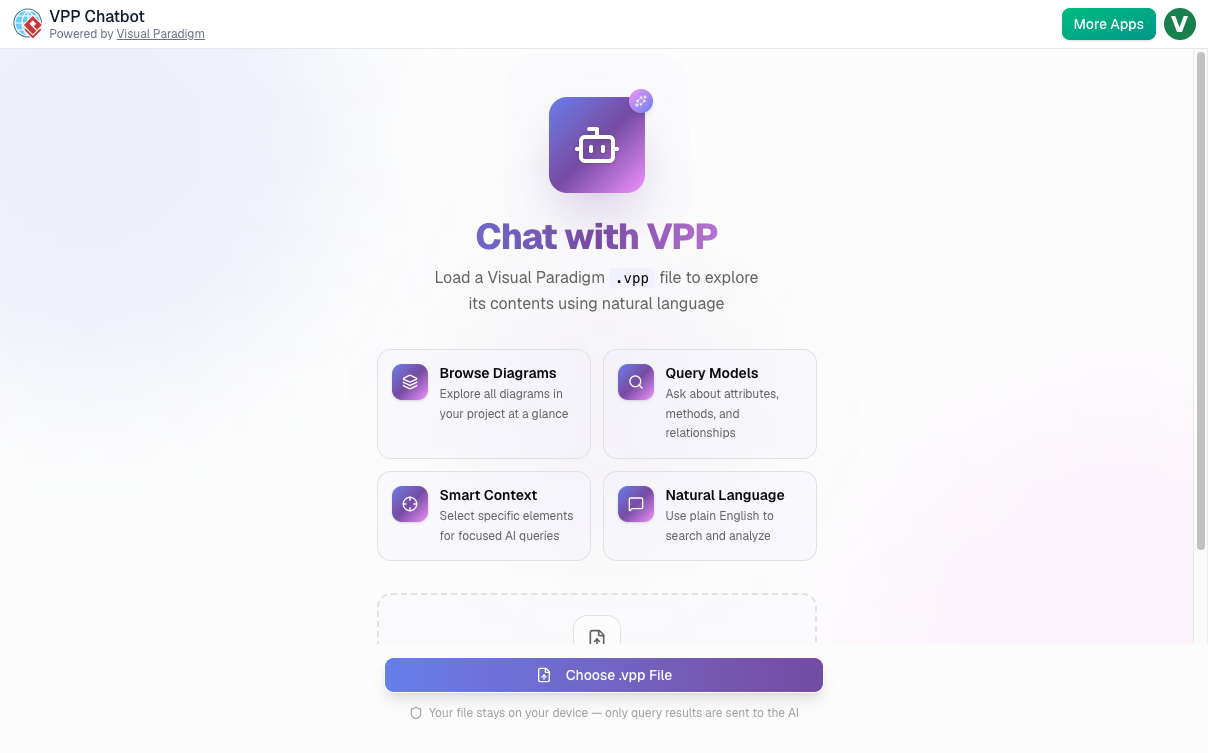
The main landing screen of the AI VPP Chatbot web application
Automated Model Elements Breakdown
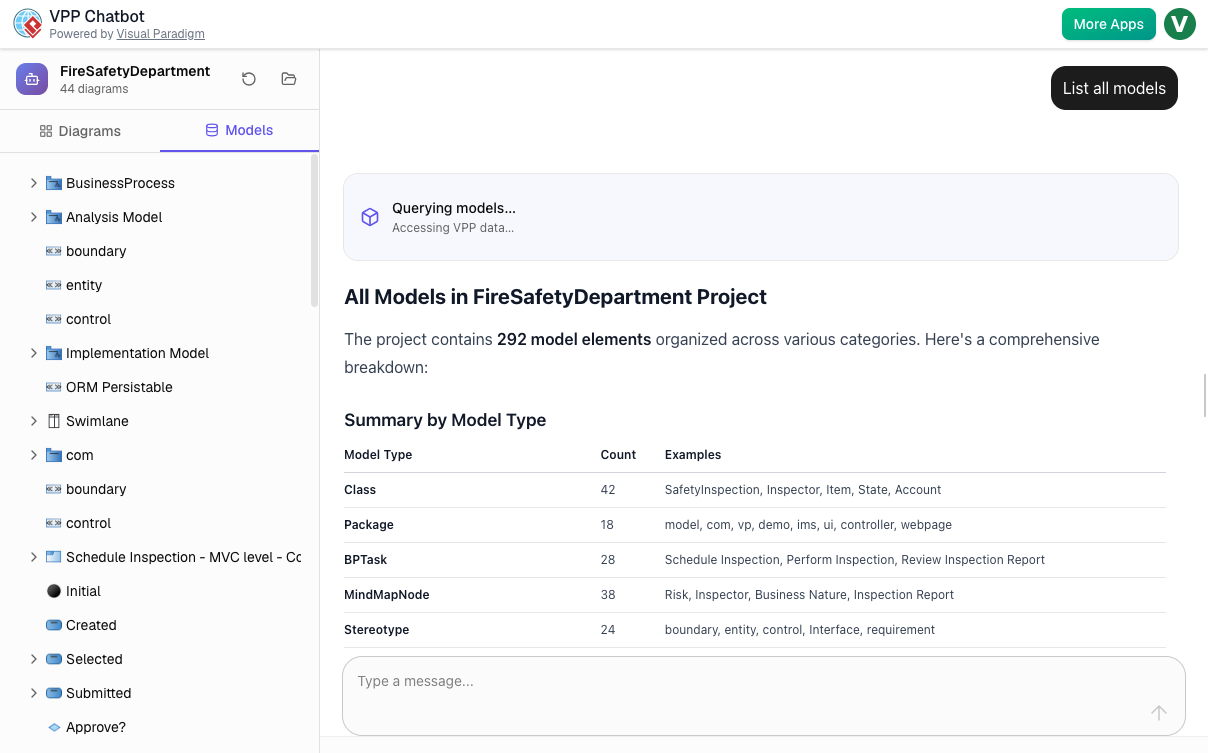
The AI VPP Chatbot workspace displaying a summary table of loaded model types from an uploaded project file.
Instant Project Diagram Indexing
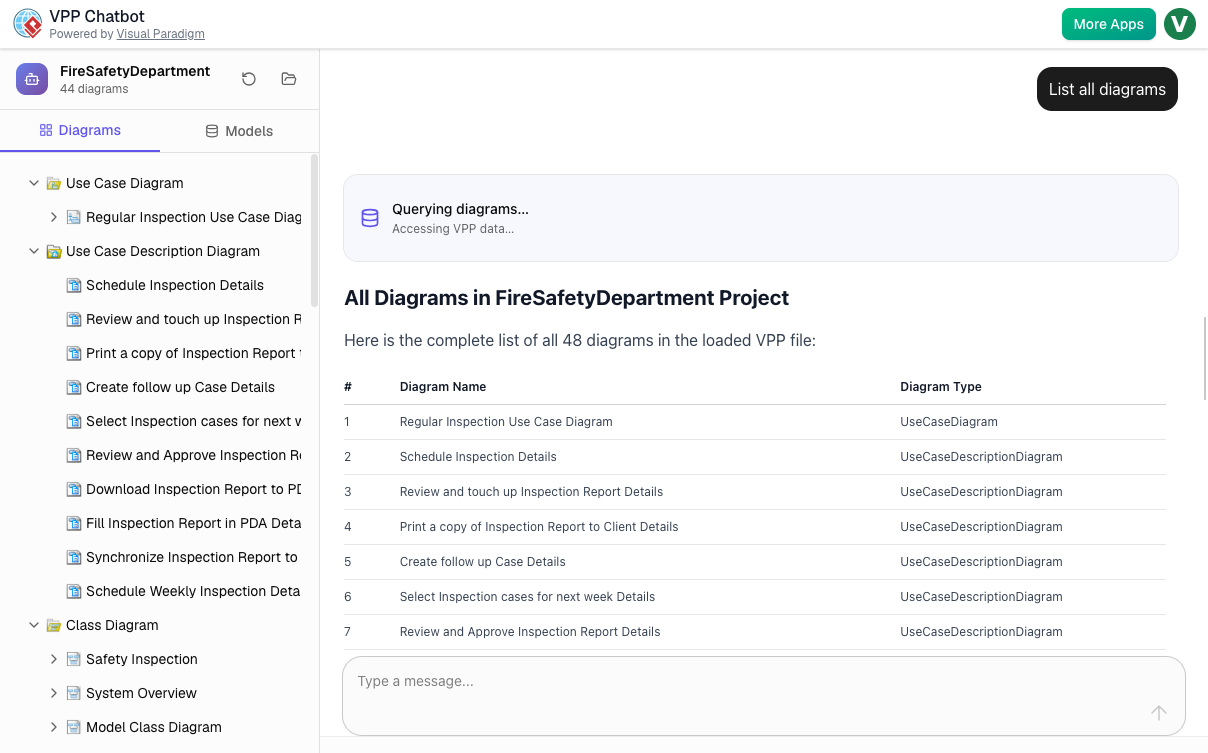
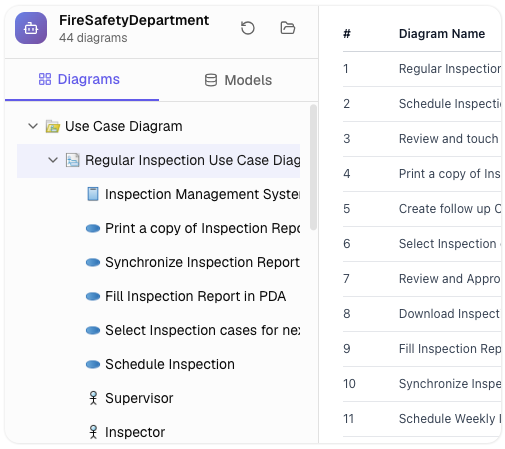
A split-screen look inside the AI VPP Chatbot tool, demonstrating how the app reads and lists all available use cases, diagrams, and model layouts on the left pane while providing an interactive conversational table checklist in the workspace panel.
The AI VPP Chatbot is a smart, interactive web application that allows you to analyze, explore, and extract deep insights from your Visual Paradigm Project files with the help of artificial intelligence. The app focuses on a clean workflow where you simply upload a .vpp project file to start chatting about your design models. The powerful AI studies your project data to list use cases, describe flows of events, or summarize diagrams instantly, giving you a clear breakdown of your system architecture in just seconds.
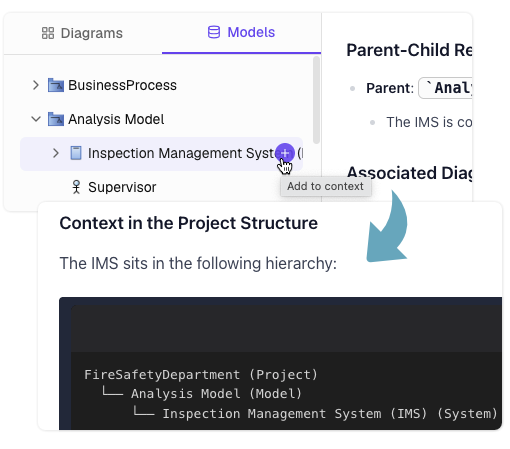
Deep Project Analysis
This is the core AI feature. You upload your Visual Paradigm Project (.vpp) file, and the AI studies your architecture, diagrams, and models to answer any specific query you have.
-
Instantly extracts lists of use cases, requirements, or model details from your project.
-
Accurately describes flows of events and interaction steps for any specific scenario.
-
Summarizes complex development diagrams into clean, structured formats that match your needs.
Split-Screen Reference & Chat Layout
Keep your full project structure in view while you interact with the AI. The clean split layout displays your project diagrams clearly on the left side, giving you a constant visual reference while you chat and run analysis on the right side.
-
Browse a complete list of your model diagrams on the left side for quick tracking.
-
Submit conversational prompts on the right side to get detailed answers back instantly.
-
Cross-reference diagram labels and elements directly within your conversational chat history.
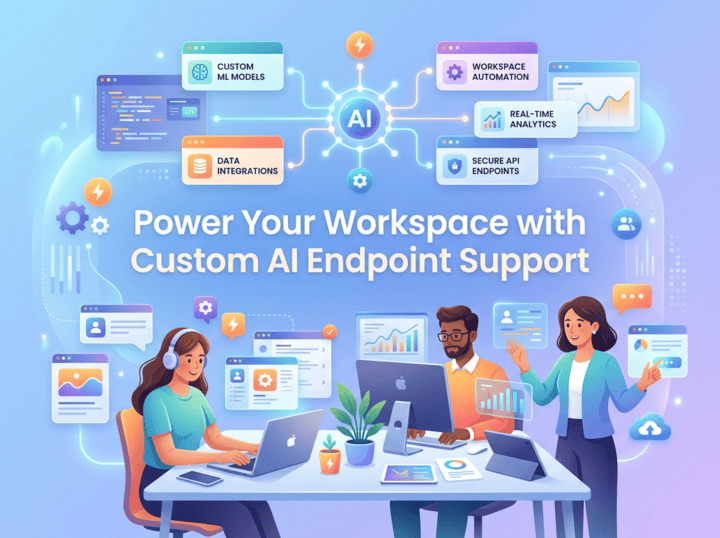
Power Your Workspace with Custom AI Endpoint Support
Connect your preferred model infrastructure directly into Visual Paradigm. Optimize response speeds, utilize specialized LLMs, and maintain centralized data governance across your team's diagramming and coding tools.
A Smarter Way to Explore Your Project
From automated diagram summaries to deep model cross-referencing, AI VPP Chatbot handles it all.
Flow of Events Walkthrough
Target specific use cases or scenarios and ask the chatbot to explain the exact step-by-step path in plain English.
Diagram Cross-Referencing
Trace your entire model easily. The AI analyzes structural links across use cases, sequence layouts, and class designs automatically.
Custom Chat Formatting
Organize your project details instantly. Tell the chatbot to display its answers as structured markdown tables or clean, scannable text layouts.
Getting Started & Core Workflows
Explore and analyze your design models in a few simple steps.
Access the AI App Workspace
Open the tool dashboard in your browser and log into your workspace to launch the chatbot interface.
Upload Your Project File
Select and upload your Visual Paradigm Project (.vpp) file. The tool will safely process and read the underlying model data.
Review Your Diagrams
Track your available project diagrams instantly listed in the reference explorer on the left side of the screen.
Ask the AI Questions
Type specific questions in the chat window on the right side, such as requesting lists of use cases or summaries of system behavior.
Read and Review Deep Analysis
Review organized, structured feedback instantly from the AI directly inside your browser workspace chat window.
Reviewing Project Documentation
Upload your system design file and ask the chatbot to summarize specific diagrams into clean markdown tables to review design details and specifications quickly.
Reviewing Use Cases and Flows of Events
Point the chatbot to a specific scenario in your design to list all step-by-step user interactions in plain English, helping you check your logic and spot missing details early.
Cross-Referencing Project Model Integrity
Ask the AI assistant to track relationships and connections between separate charts—like use case, sequence, and class diagrams—to keep your full architecture aligned.
Ready to Explore Your Project with AI?
Simply upload your .vpp file to analyze diagrams, walk through flows of events, and extract deep insights instantly.