Export Code-Driven Ideation to Enterprise Modeling
Break down the barrier between rapid brainstorming and rigorous architecture. Effortlessly export your diagrams from VPasCode to Visual Paradigm Desktop via the centralized Pipeline.
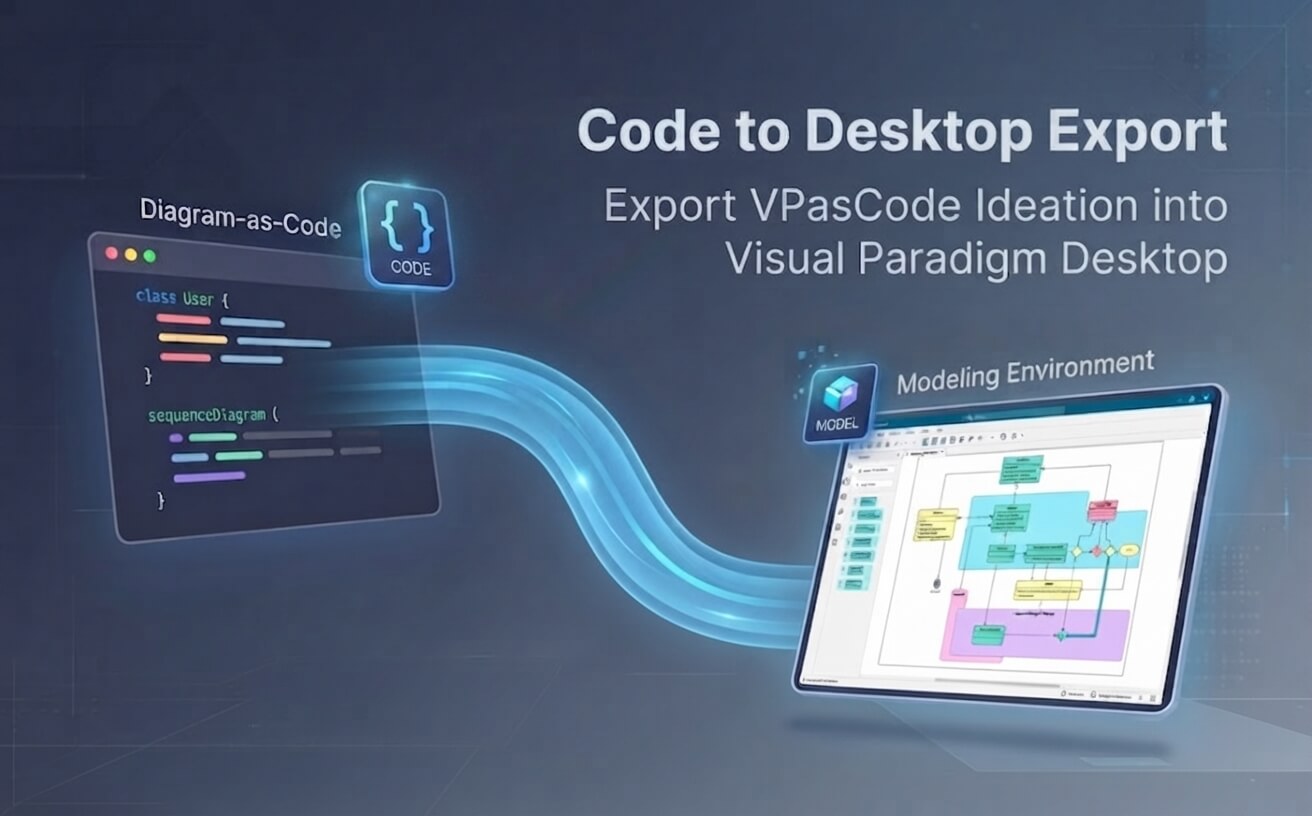
Why Code-Driven Ideation Matters
Code editors like PlantUML and Mermaid allow technical teams to design at the speed of thought. By eliminating manual shape dragging during early brainstorming, engineers can focus entirely on logic and structure. Furthermore, VPasCode leverages native AI capabilities to generate diagrams from natural language prompts, auto-fix syntax errors, and translate text labels instantly.
However, ideation is only half the battle. Without an integration path to enterprise tools, teams face duplicate work when moving to formal documentation and governance. The Pipeline solves this permanently by allowing engineers to export code sketches directly into Visual Paradigm Desktop.
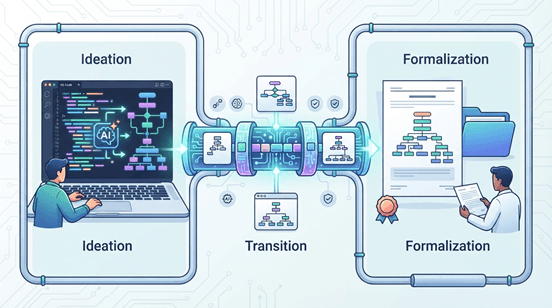
The Evolution from Brainstorming to Architecture
Traditional diagram-as-code tools leave your ideas stranded as flat images. Visual Paradigm links rapid code ideation directly to a deep engineering ecosystem.
1. VPasCode (Ideation)
A free, AI-powered diagram-as-code editor supporting PlantUML, Mermaid, D2, C4, and more. Instant code-to-visual rendering makes rapid sketching effortless.
2. The Pipeline (Export Hub)
A centralized transit space. Export diagrams out of VPasCode with zero pressure. Store, organize, and route your artifacts whenever you are ready.
3. VP Desktop (Refinement)
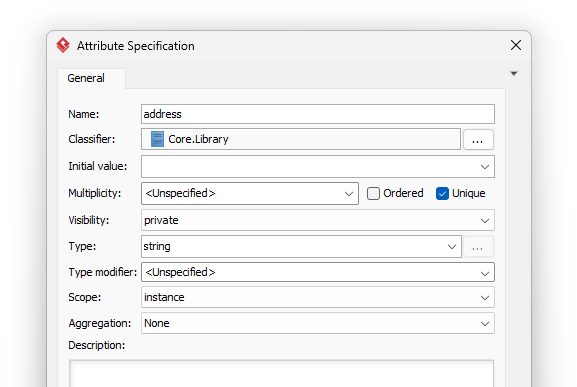
Transform code sketches into true model artifacts. Leverage element specifications, sub-diagrams, comprehensive report generation, and team collaboration.
How to Export VPasCode Diagrams to Desktop
A smooth, three-step operational procedure designed to move your code designs into formal enterprise models.
Initiate Export from VPasCode
Once your design is ready in VPasCode, click the Export button below the diagram viewer. Select Send to Pipeline. Your work is safely stored in the Pipeline hub.
Access Pipeline in Desktop
Launch Visual Paradigm Desktop, go to the Project toolbar, and select Import > Visual Paradigm Pipeline to access your exported diagrams.
Confirm and Begin Modeling
Click OK to generate a brand-new, interactive model element ready for specification detailing, sub-diagrams, and team collaboration.
Collecting diagrams via the Pipeline eliminates forced context switches during AI brainstorming.
Comprehensive Diagram Support in Desktop
Click through key architectures below to see how exported code-based sketches transform into polished desktop models.
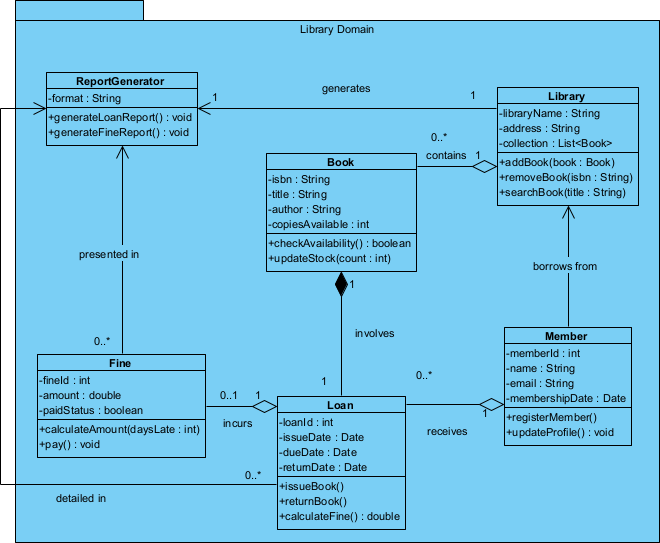
Additional Supported Frameworks & Layouts
Unmatched Model Governance in VP Desktop
Select a governance pillar below to explore how desktop capabilities elevate your exported code sketches.
Frequently Asked Questions
Got questions about exporting diagrams from VPasCode to Visual Paradigm Desktop? Find quick answers below.
What is Visual Paradigm VPasCode?
VPasCode is a free, web-based diagram-as-code editor supporting multi-language diagramming such as PlantUML, Mermaid, D2, C4, and ECharts. It features instant code-to-visual rendering and built-in AI tools for fast ideation.
What is the Visual Paradigm Pipeline?
The Pipeline is a centralized, neutral hub within the Visual Paradigm ecosystem. It allows users to export diagrams from ideation tools like VPasCode without immediately committing to a single destination app, letting them route designs to Desktop or OpenDocs whenever they choose.
Is the export process free?
Basic diagram creation, editing, and sharing in VPasCode are completely free. Accessing exported items in Visual Paradigm Desktop requires standard desktop edition access.
Can I export diagrams other than UML?
Yes! In addition to standard UML diagrams (Class, Sequence, Use Case, etc.), the integration supports SysML, ArchiMate, C4 models, ERDs, flowcharts, WBS, and mindmaps.
Ready to Export Ideation to Enterprise Modeling?
Start brainstorming instantly with VPasCode and elevate your designs using Visual Paradigm Desktop today.