Why just draw boxes and lines?
An effective C4 diagram tool is crucial for communicating software architecture. It must provide a clear, multi-level view of your system, from high-level context to detailed components. Whether you are designing complex microservices with a professional C4 modeler or jumpstarting your design with an AI C4 tool, the right software ensures your entire team speaks the same architectural language.
Two powerful platforms. One mission. Select the product that fits your workflow:

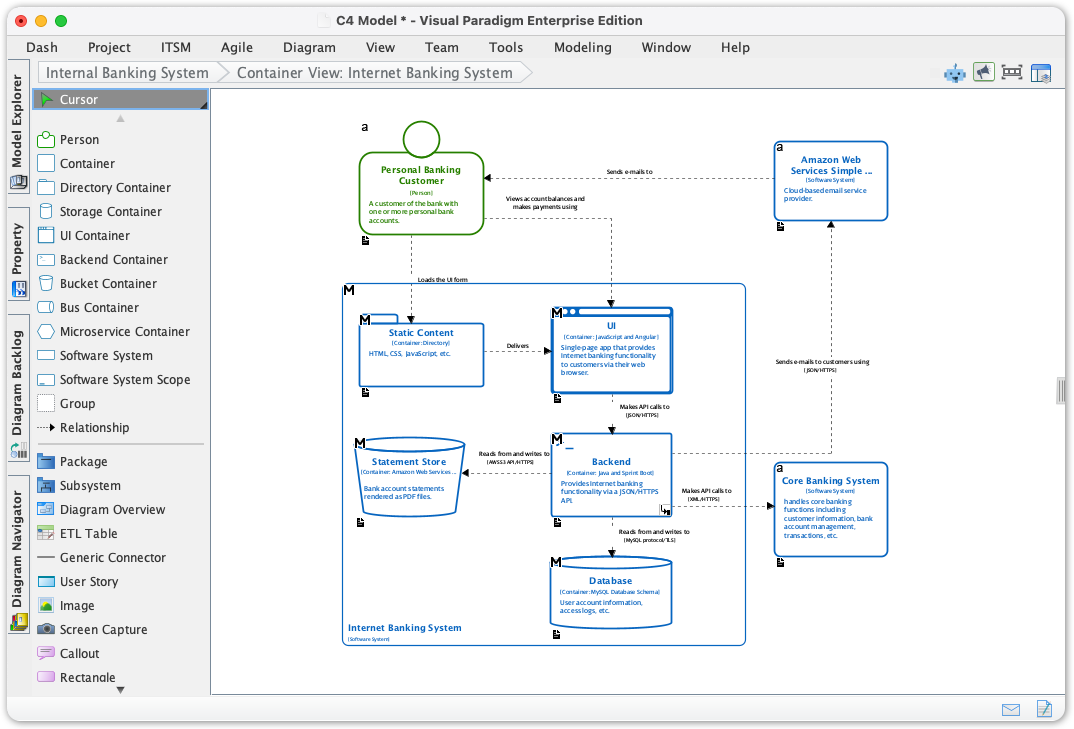
Built for rigorous software architecture. When you need deep control, offline capability, and a full-fledged C4 modeling environment.
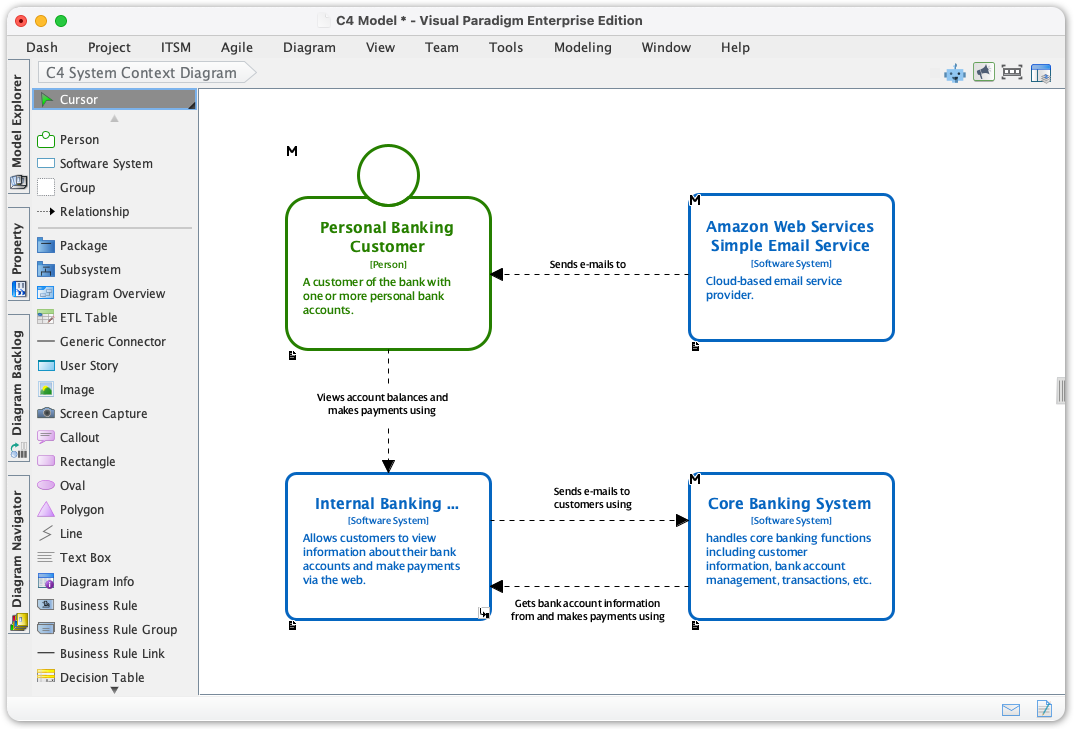
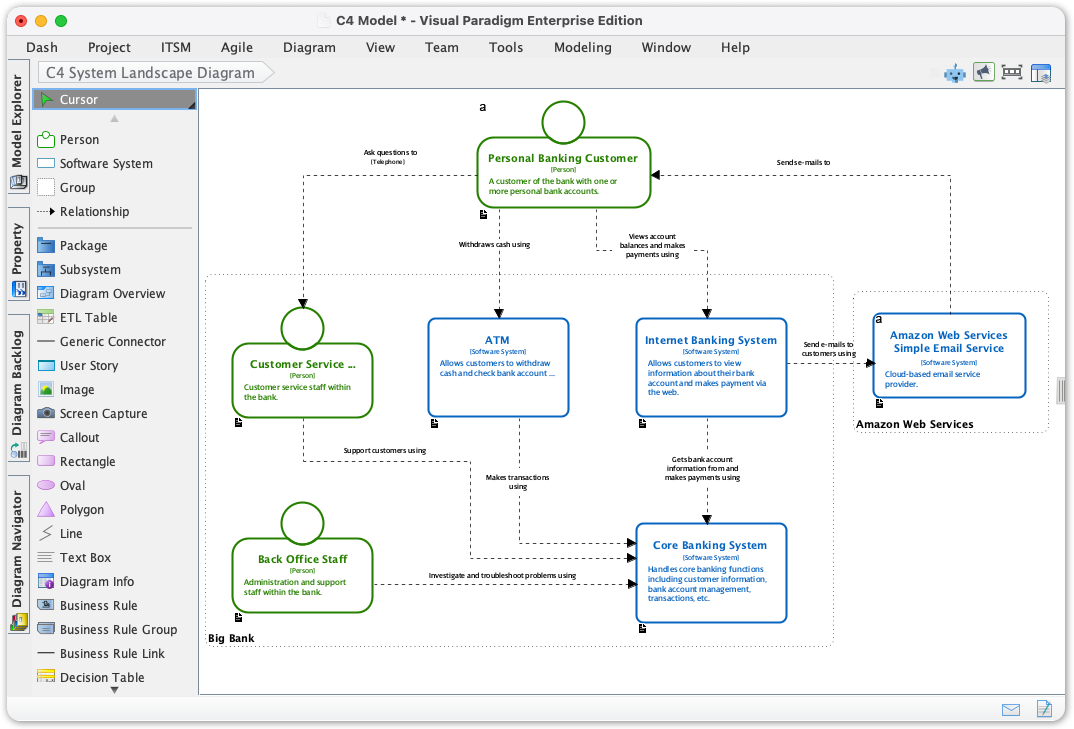
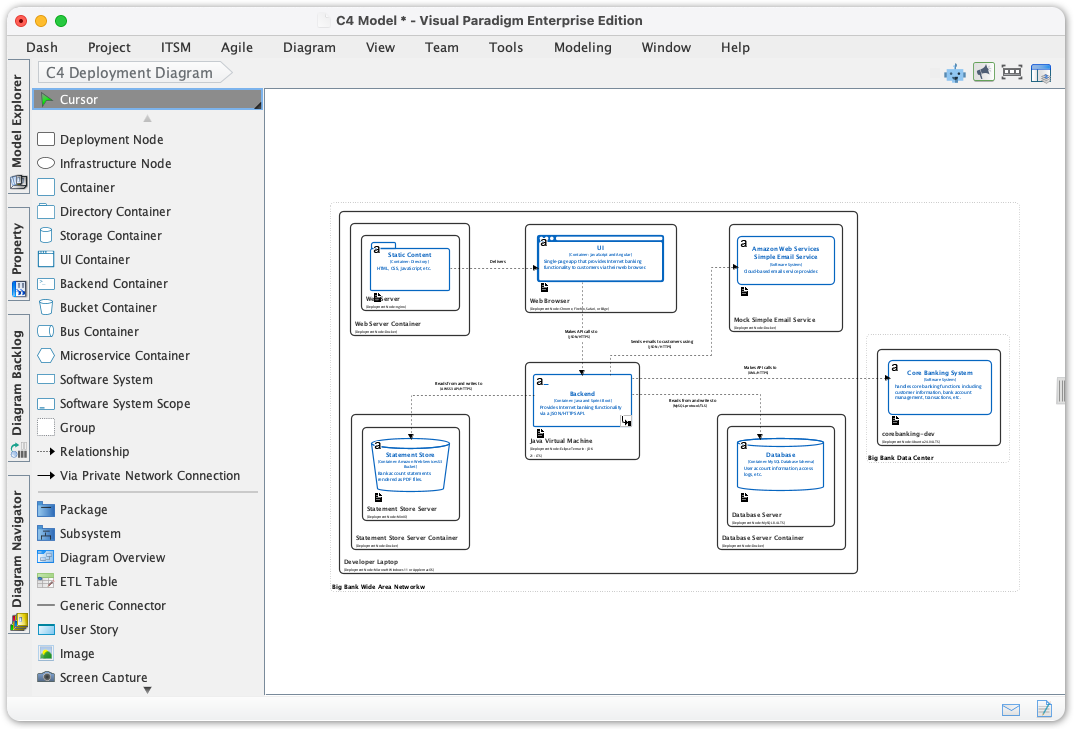
Go beyond simple drawing. Our C4 modeling tool is designed for speed and precision, with full support for the complete C4 model hierarchy.
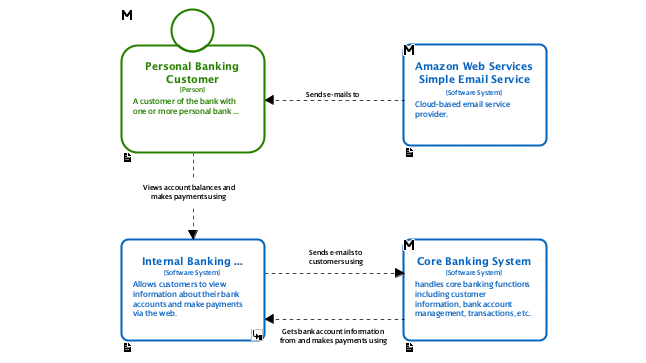
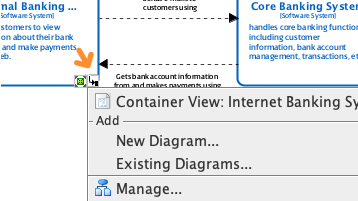
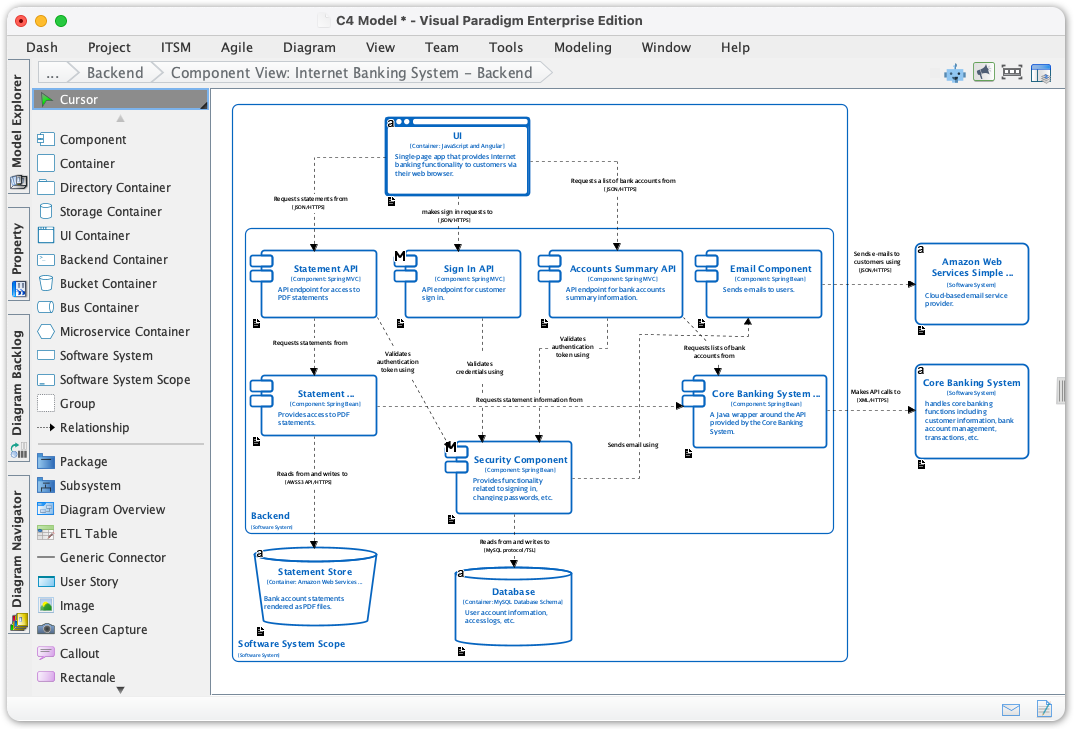
Decompose a system into containers, and containers into components, creating a traceable hierarchy of diagrams.
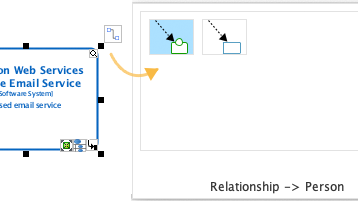
An ultra-efficient UI that lets you create and connect C4 elements with one-click smart magnets.
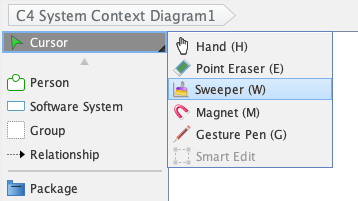
Automatically align, distribute, and organize messy diagrams into a clean, professional layout instantly.
C4 modeling doesn't exist in a vacuum. Manage the entire lifecycle of your architecture with integrated team collaboration and documentation tools.
Work as a team with version control. Annotate diagrams and discuss changes with threaded comments.
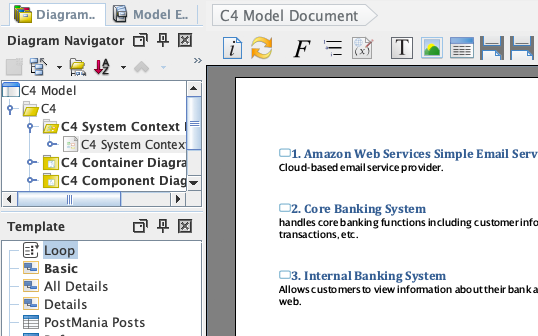
Use Doc. Composer to generate detailed specifications. Publish your project as an interactive website with Project Publisher.
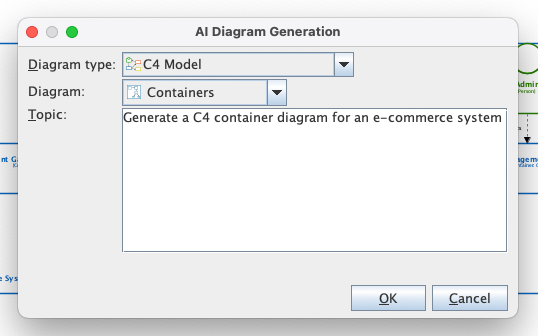
Even on desktop, you aren't alone. Use our integrated AI to jumpstart your design process and generate C4 diagrams with AI.
Simply type a description, and the AI generates a professional C4 diagram for you.
No installation required. A collaborative, cloud-based workspace with a powerful AI ecosystem for C4 modeling.
An innovative, browser-based app that transforms a simple text description into a full suite of interactive C4 diagrams using PlantUML.
Name your project. Use AI to generate an initial Problem Statement or manually enter your detailed description.
Choose the specific C4 level (Context, Container, etc.). For nested diagrams, select the parent element first to maintain accuracy.
Click ‘Generate Diagram.’ The tool instantly shows the PlantUML code (left) and the rendered diagram preview (right). The result is saved for easy comparison.
Securely save your project online. Use the JSON export to version control, integrate with CI pipelines, or easily share your architecture.
Talk to your architecture. The AI Chatbot is tailored for diagramming—ask it to create, explain, or interpret C4 models instantly.
"Create a C4 System Context diagram for a ride-sharing app" or "Draw a mind map of our microservices." Supports C4, UML, SysML, and more.
Ask the chatbot to explain a complex architecture, suggest improvements, correct a diagram, or generate a textual summary.
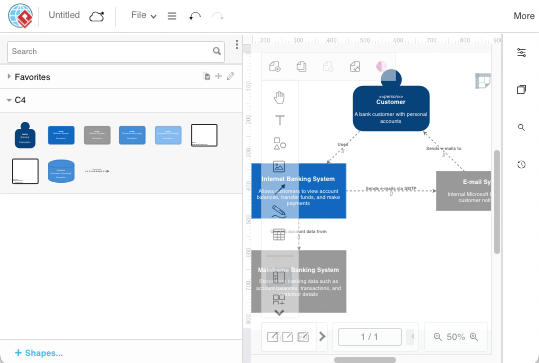
Need to draw a quick C4 diagram? VP Online offers a streamlined, browser-based C4 diagram editor. It's a lightweight but powerful C4 online tool.
Compare key features between our Desktop and Online C4 diagram tools
| Feature | VP Desktop | VP Online |
|---|---|---|
| Full C4 Modeling (All 6 Types) | - | |
| C4 Diagramming Tool | Access via Integration* | |
| AI C4 Diagram Generation | via AI Chatbot | |
| AI C4 PlantUML Studio | Access via Integration* | |
| AI Diagramming Chatbot | Access via Integration* | |
| Offline Mode | - |
* Users with VP Desktop Professional/Enterprise + Maintenance get access to VP Online features inside the desktop client.