AI Presentation Studio
Turn your ideas into professional presentation videos instantly. Let AI creates your slides from a simple text prompt, lets you customize layouts, and adds a lifelike talking head to present your script flawlessly.
AI Content Generator
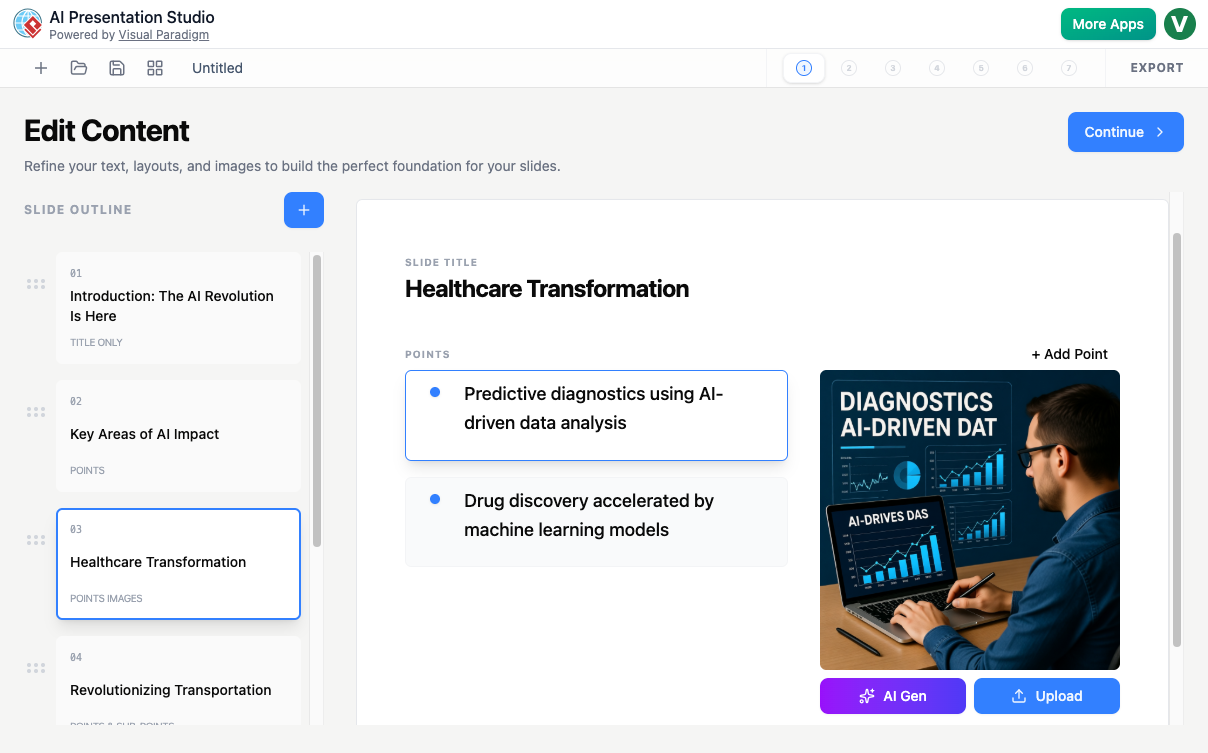
Provide a simple text prompt describing your topic, and the AI instantly generates a complete outline with titles, bullet points, and slide text.
Beautiful Presentation Themes
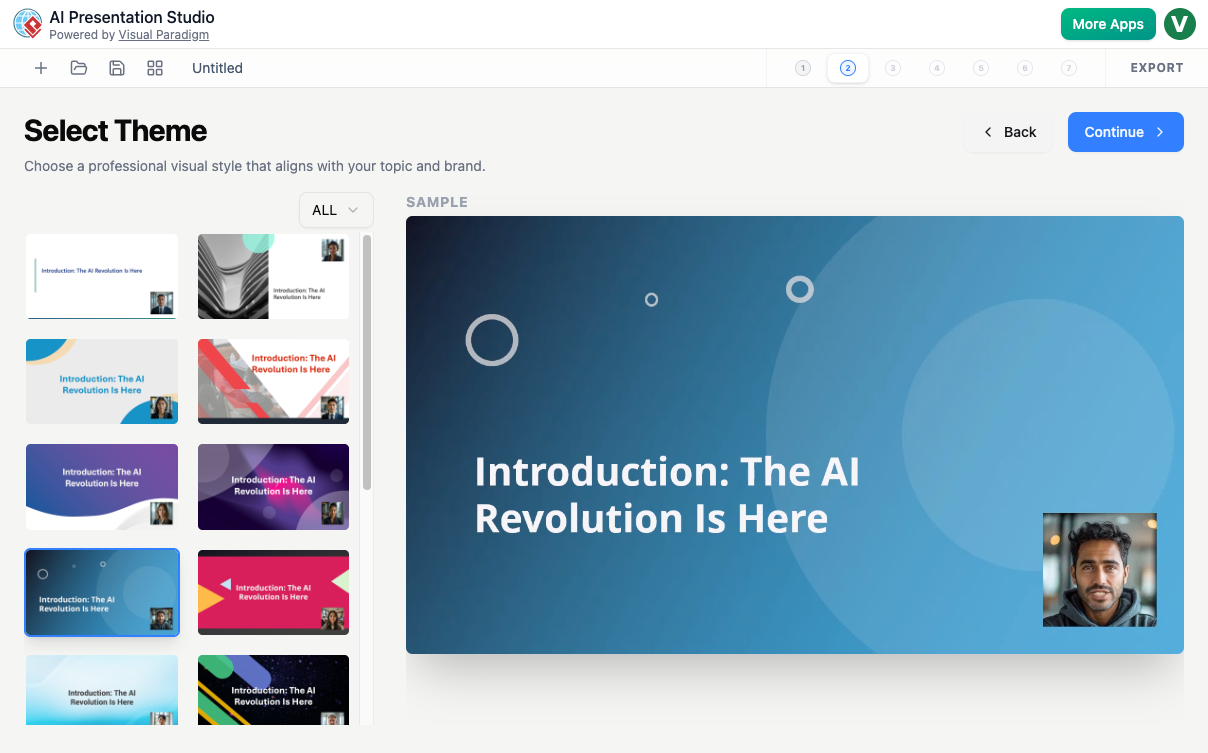
Instantly apply gorgeous, professional visual styles and layout themes across your entire presentation workspace with a single click.
Smooth Slide Transitions
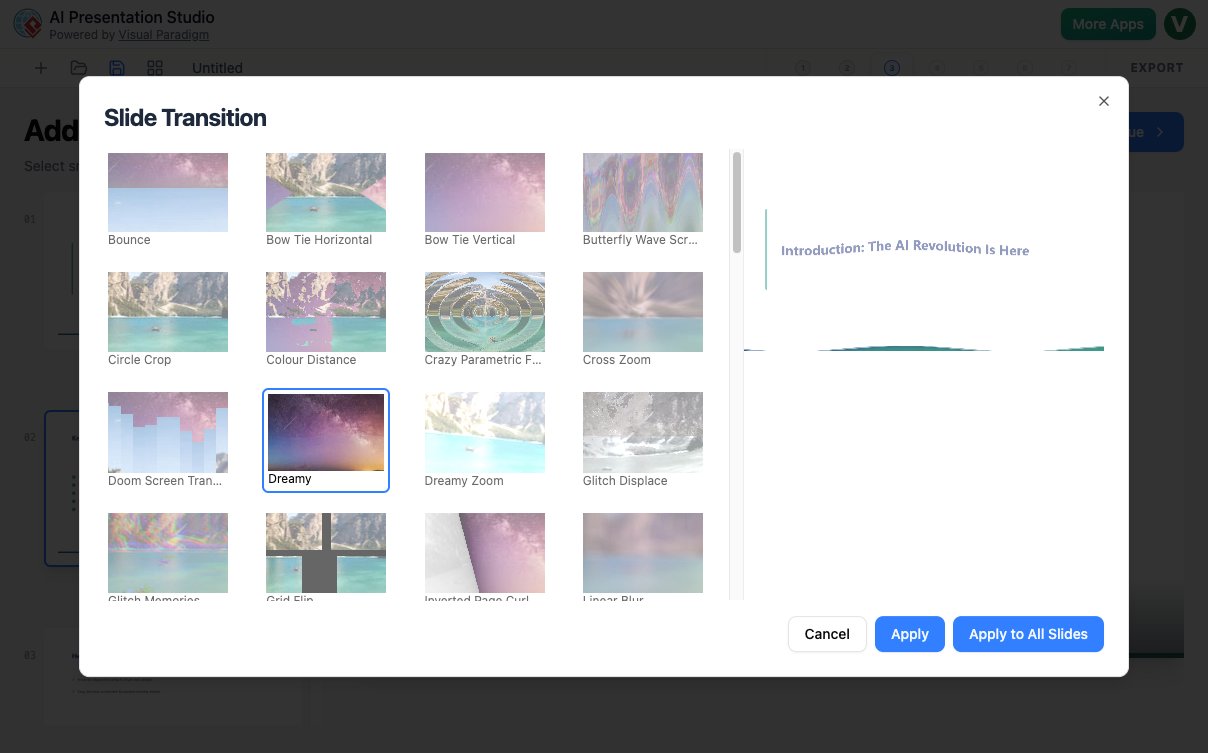
Choose eye-catching transitions to control exactly how your presentation flows smoothly from one layout section to the next.
Realistic Voice Talents
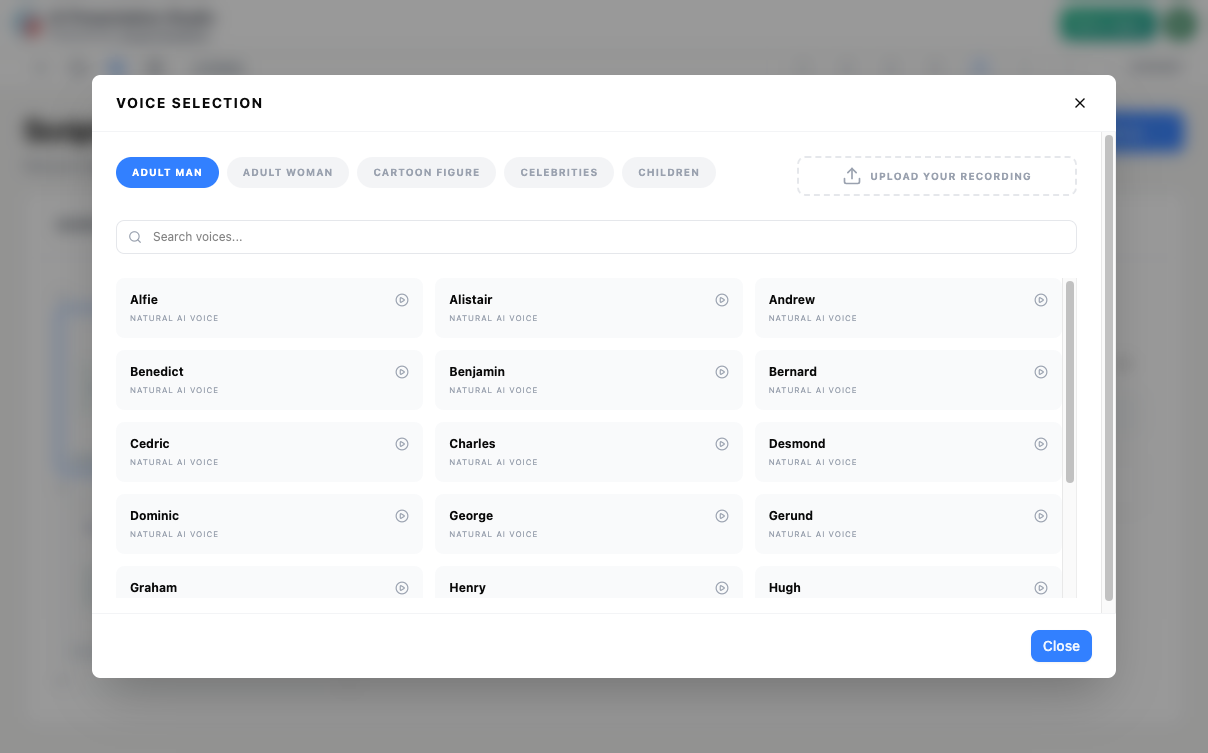
Match your core presentation style perfectly by choosing from an expansive selection of clear, realistic, and professional AI narrator voices.
Built-In Avatar Presenters
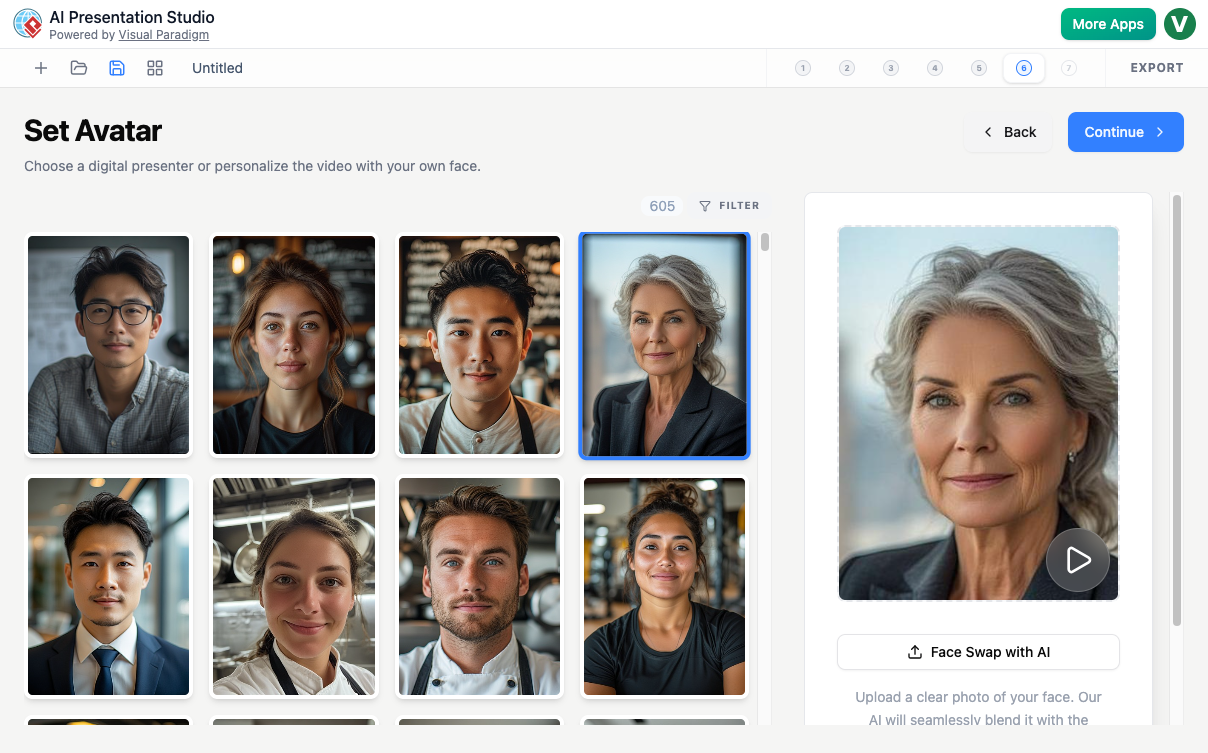
Instantly add a realistic talking head video window to your slides, or upload your own face photo to create a custom narrator.
The AI Presentation Studio is a smart, visual tool that allows you to design, script, and build professional slides with the help of artificial intelligence. The studio focuses on a clean workflow where you can quickly organize text slides, apply smooth transitions, change layouts, and embed an AI talking head to present your material. The powerful AI crafts your core content from a simple text prompt, giving you a structured presentation template with written outlines in just seconds.
See what you can create
From quick training guides to polished business presentations, check out what users are building completely with AI.
BPMN Service Tasks Explained: The Complete Guide to Workflow Automation
Mastering BPMN: Core Flow Objects & Process Modeling Explained!
How to Write Agile User Stories, Acceptance Criteria & INVEST Principles
Intelligent Content Generation
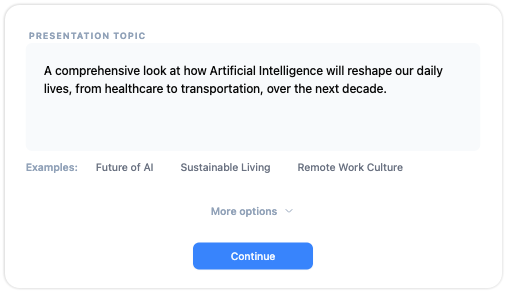
This is the core AI feature. You provide a text prompt describing your presentation topic, and the AI instantly generates a focused outline complete with titles, points, and clear slide text.
-
Instantly generates highly relevant slide text and scripts specific to your goals.
-
Builds a seamless presentation structure that keeps your audience engaged from start to finish.
-
Effortlessly adapts your content to match different presentation lengths, audiences, and languages.
Flexible Slide Layout & Style Editor
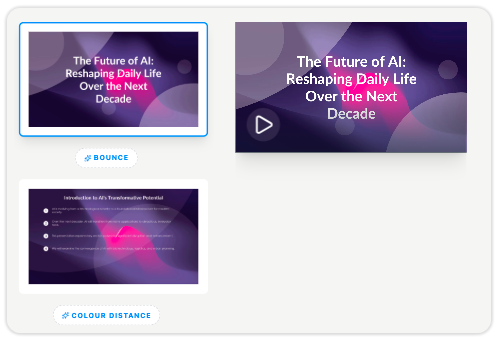
Refine your generated draft easily by editing text content, adding new slides, or deleting unwanted steps. You can choose eye-catching slide transitions, or shift standard text blocks into layouts featuring side images and dedicated avatar spaces.
-
Set smooth slide transitions to control how your presentation flows.
-
Change your slide layouts easily with a single click.
-
Rearrange presentation sections directly from a simple side outline list.

Add a Talking Avatar Instantly
Easily bring your slides to life with a digital presenter. Just type out what you want your avatar to say, choose from a wide selection of realistic voices, or upload your own face photo to create a custom narrator in seconds.
A Powerful, All-in-One Presentation Studio
From automated text drafts to custom audio script adjustments, AI Presentation Studio handles it all.
AI Script Outliner
Input a text prompt, and the AI drafts your titles, bullet points, and slides.
Layout & Script Tuner
Change slide layouts, edit your script, apply visual themes, and choose your avatar.
Preview & MP4 Export
Preview your presentation easily, then export it into a high-quality video.
Key Benefits
- Create Video Presentations in Minutes: Go from an idea to a fully scripted slide show in the time it takes to type a prompt.
- No On-Camera Talents Needed: Add a realistic AI talking head narrator to deliver your presentation script flawlessly.
- Easy Layouts: Choose the perfect look for each slide—whether you want side graphics, a talking head on the slide, or a clean text layout.
- Full Script Customization Control: Edit and refine every individual text phrase or verbal statement spoken by your chosen narrator avatar.
- Ready for Video Export: Instantly download high-quality MP4 video assets with your script, slides, and talking avatar perfectly synchronized.
Getting Started & Core Workflows
Go from idea to an export-ready presentation video in a few simple steps.
Enter Your Presentation Topic
Open the application, type a prompt describing your project, or click an example like "Future of AI" to begin.
Generate Core Layout Text
The AI instantly builds out an outline focusing on crucial baseline steps: a Title slide, key Points, and a Thank You end slide.
Tune Content and Slide Layouts
Select any slide to rewrite text inline, change layouts to incorporate side images, or pick an automated presenter avatar theme.
Customize Narrators and Audio Scripts
Adjust the individual verbal script for each point, pick a voice profile, or upload your own face photo to use as a custom talking head.
Run a Draft Preview & Export
Review an instant, high-quality audio draft to check your timing before exporting your final presentation video and PowerPoint files.
Generating an Interactive Training Slides with AI
Provide a description of your training course or guidelines. Let the AI outline the text, then swap standard points to specialized avatar presentation frames.
Building a Tailored Sales Video Presentation
Start with a text prompt detailing your app or service. Adjust the verbal scripts to address your target client, update the template themes, and export an MP4 video clip.
Updating Existing Presentation Elements
Load an existing project to add new slides, rephrase descriptions, replace graphic images via AI generation, or pick a completely new narration voice.
Who is it for?
- HR Managers & Corporate Trainers: Turn repetitive onboarding slides and policy updates into engaging, automated video courses.
- Sales Teams & Account Executives: Replace flat PDF pitches with personalized talking head videos tailored directly to a client's business goals.
- Educators & Course Creators: Swiftly turn lecture outlines or textbook chapters into interactive lesson modules with a digital avatar tutor.
- Operations & Compliance Managers: Create safety briefings and process walkthroughs that can be updated instantly whenever protocols shift.
Ready to Create Your Next Presentation Video?
Effortlessly combine your custom text, side graphics, and a realistic talking head onto the same slide.