AI Tree Diagram Maker
Transform text-based data and complex concepts into clear, interactive hierarchical diagrams.
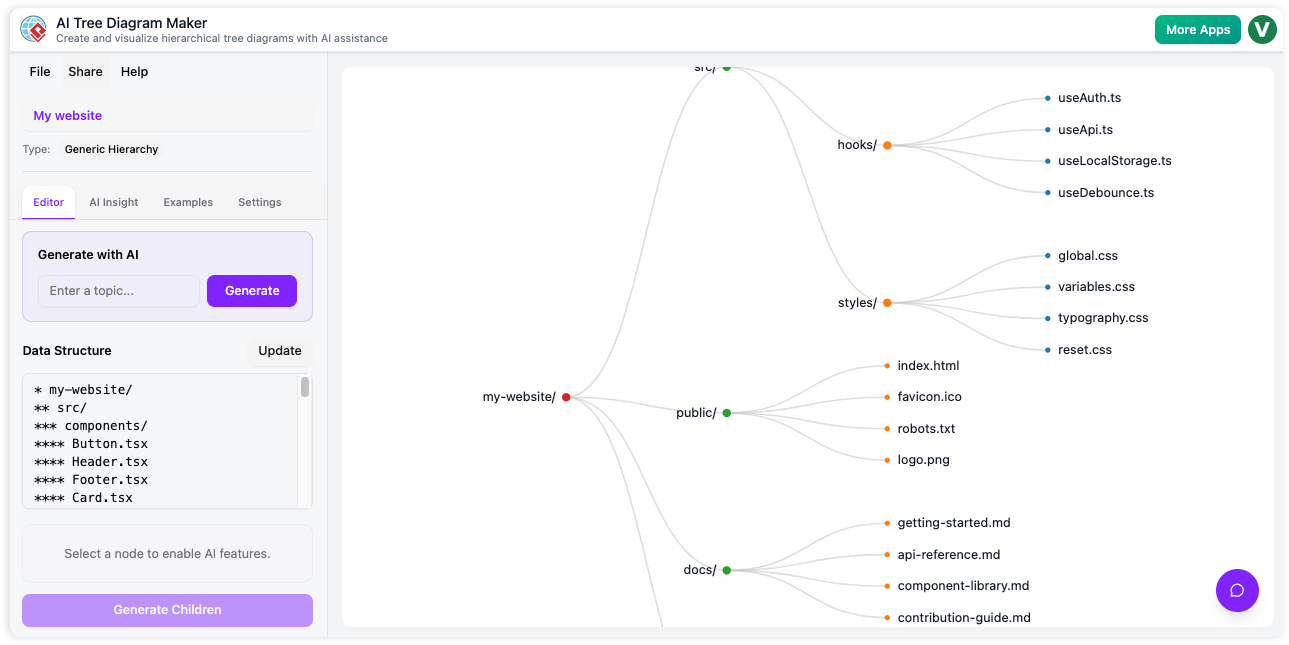
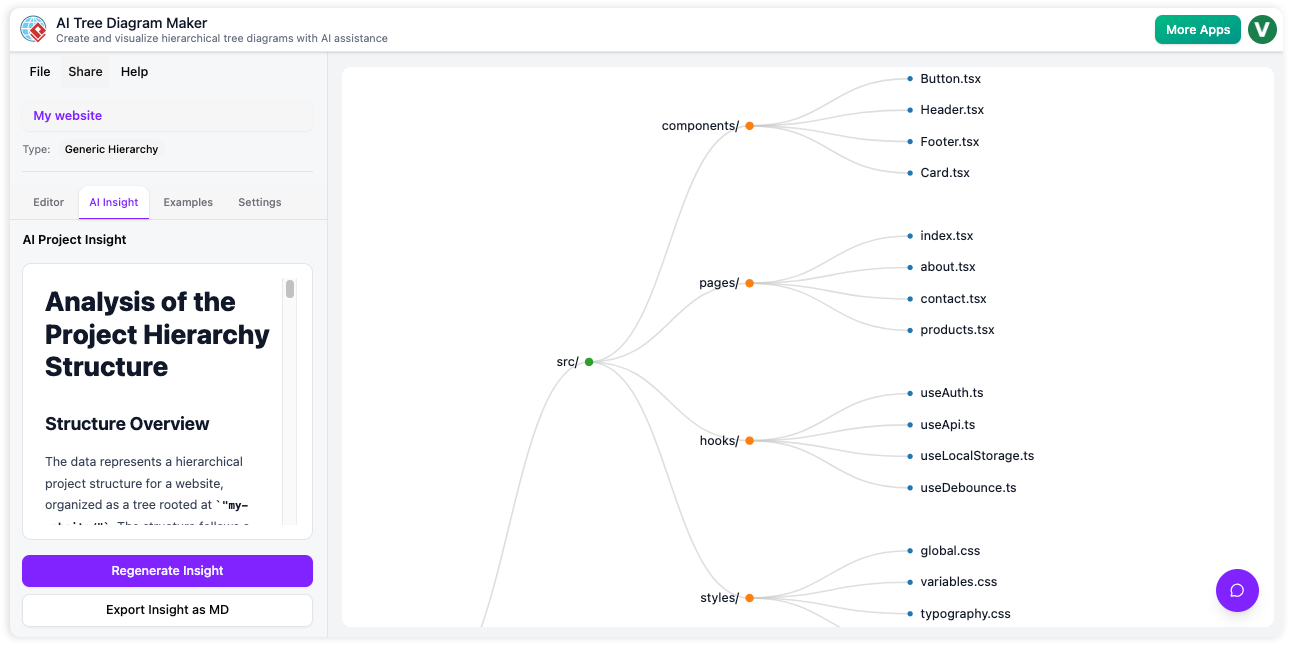
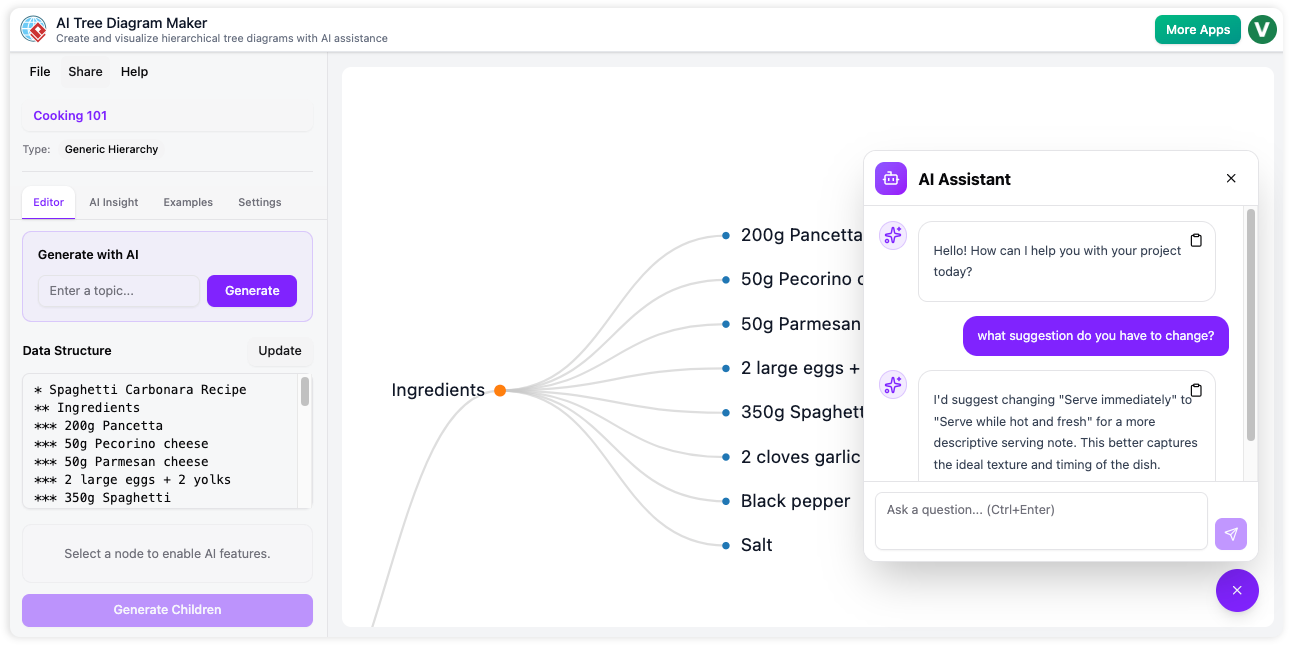
Experience the Power of AI Tree Diagram Maker
Transform your ideas into beautiful tree diagrams in seconds
The Power of AI in Tree Diagram Maker
Our Tree Diagram Maker leverages cutting-edge AI to automate and enhance every aspect of your diagram creation process.
AI-Powered Structure Generation
Build detailed diagrams from simple topics and expand ideas with intelligent node suggestions.
AI Assistant
The AI Assistant acts as your personal guide, analyzing your current task to offer precise, timely suggestions and next steps.
Actionable AI Reports
Get instant analysis-uncover risks, gaps, and strategic suggestions.
AI Tree Diagram Maker: transforms text-based data and complex concepts into clear, interactive hierarchical diagrams. With AI-powered generation, versatile templates, and advanced insights, AI Tree Diagram brings structure, analysis, and visual clarity to business, planning, and brainstorming workflows.
Purpose and Benefits
Visualize, organize, and analyze ideas or processes in moments. Rapidly map projects, requirements, or organizations using smart AI and rich editing.
- AI-Powered Structure Generation: Build detailed diagrams from simple topics and expand ideas with intelligent node suggestions.
- Template Library: Accelerate discovery with templates for WBS, mind maps, org charts, SWOT canvases, and more.
- Intuitive Text & Visual Sync: Edit data in a markdown-style text editor for instant visual updates.
- Interactive Visualization: Pan, zoom, expand, and collapse nodes in an elegant, D3-powered tree interface.
How It Works: Step-by-Step Guide
Using AI Tree Diagram, you can quickly go from a fragment of an idea to a rich, collaborative diagram-ready for action and presentation.
Step 1: Generate, Import, or Start from Scratch
Enter a topic and let AI generate a full hierarchy, select from templates, or write your structure in the text editor.
Step 2: Expand, Detail, and Edit Nodes
Click any node for AI-powered expansion or manually add, edit, and arrange branches.
Step 3: Visualize and Analyze
Explore your diagram in a responsive tree view-pan, zoom, and collapse for clarity. Use the Insight Engine for deep analysis and improvement tips.
Step 4: Save, Load, and Share
Save to the cloud, reload any project, and share read-only links for collaboration and presentation.