使用 PERT 圖表工具來計劃和組織您的項目任務

傳統的 PERT 圖是一種項目管理工具,用於在項目中安排、組織和協調任務。增強的 PERT 圖工具增加了四個附加功能,可與不同的 Visual Paradigm 構建塊互聯。您可以在增強的 PERT 圖工具中完成以下操作。

如果您正在使用我們的團隊解決方案,例如 VP Online或 Teamwork Server,您可以選擇團隊成員作為 PERT 圖中任務的負責人。這使得任務規劃更加容易和有效。

除了誰負責哪些任務外,您還可以進一步就不同類型的責任和角度(負責 - 批准 - 諮詢 - 知會)設定相關的成員。如果將 PERT 圖同步至 Tasifier,您將看到任務列於對其 "負責" 的成員列表中。並且,當成員完成任務時,將根據相應成員的 RACI 流程圖依次列出該任務。
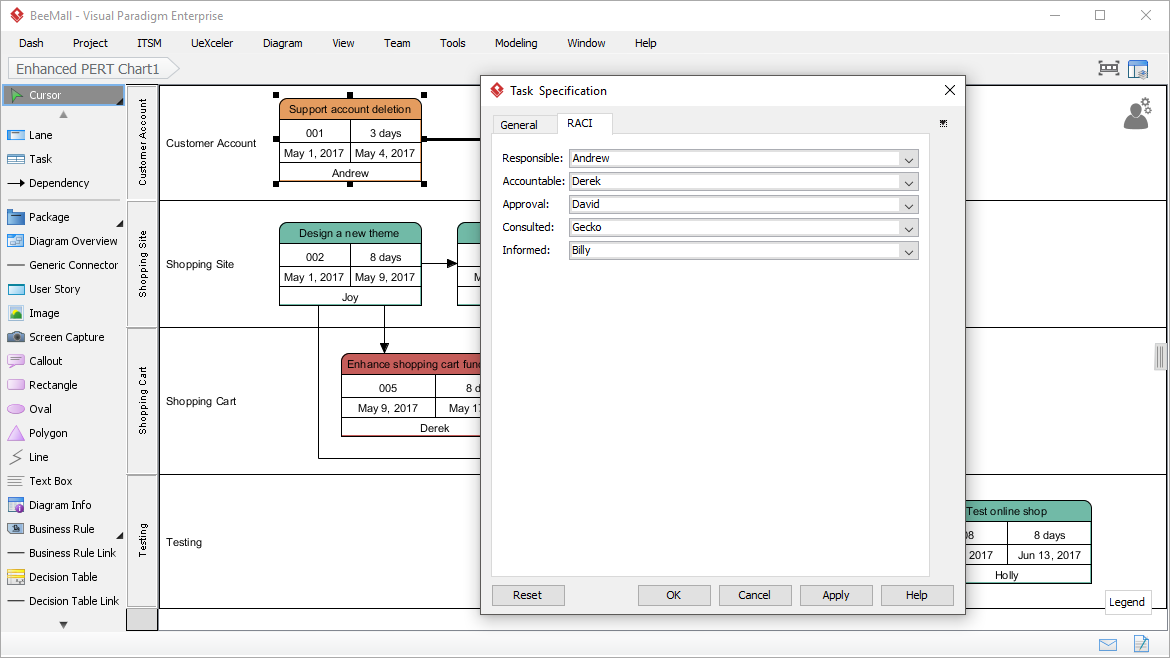
使用增強版 PERT 圖表制定時程基準後,您可將 PERT 的任務同步到任務管理器。任務將自動生成,並分配給相應的成員。您可以在項目視圖或成員視圖中查看生成的任務。

如上所述,當您將 PERT 圖表中的任務同步到任務管理器時,任務將出現在負責這些任務的成員的任務表中。當任務完成時,系統將根據任務流程方案及 RACI 設定(負責 - 批准 - 諮詢 - 知會),自動轉發予另一成員。

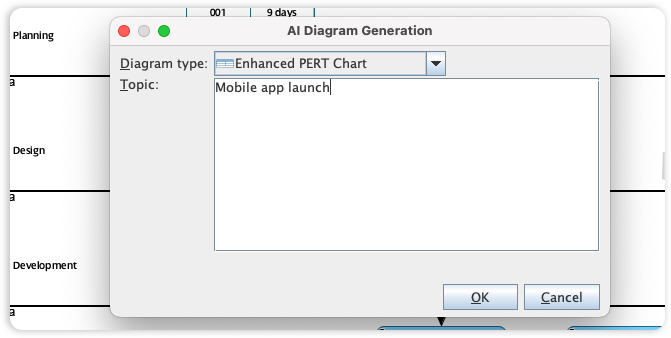
Visual Paradigm's PERT Chart tool is essential for project managers to determine the critical path and schedule complex project tasks. We are now accelerating project timelines by integrating full PERT support into our AI Diagram Generator, transforming how you visualize project dependencies and milestones.
This capability allows you to instantly generate professional PERT Charts from a project description or task list, entirely skipping the manual setup of nodes and time estimates. By simply describing your project phases and their sequences, the AI automatically calculates and renders a structurally sound network diagram. This allows you to focus on resource allocation and risk management rather than the manual plotting of task flows.